
VolnaLink VPN

Download VPN for macOS

VolnaLink VPN · Optimised for Intel and Apple Silicon
★ 4.9 · Free trial · VLESS Reality, Trojan, Hysteria 2
Download App Store

App screenshots

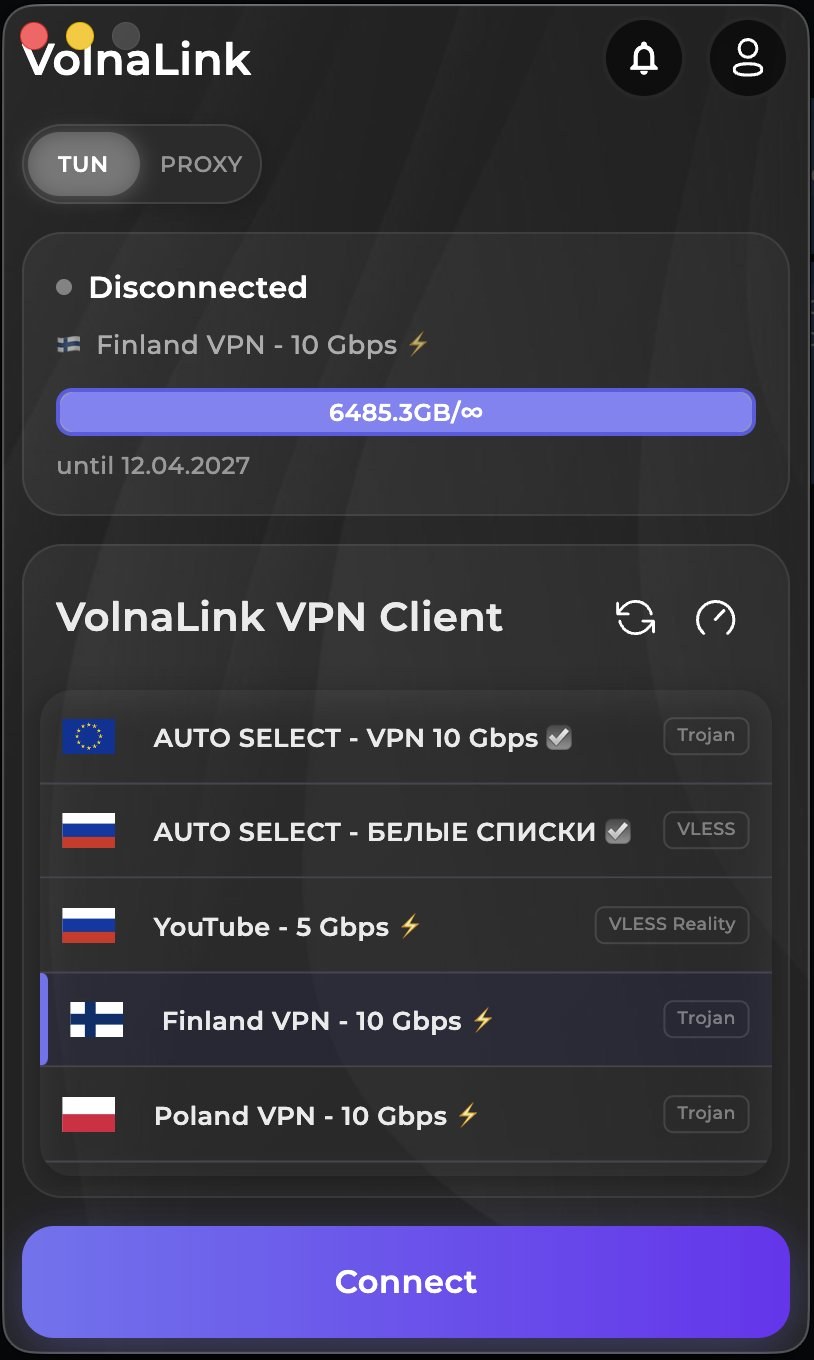
Server list and one-tap connect
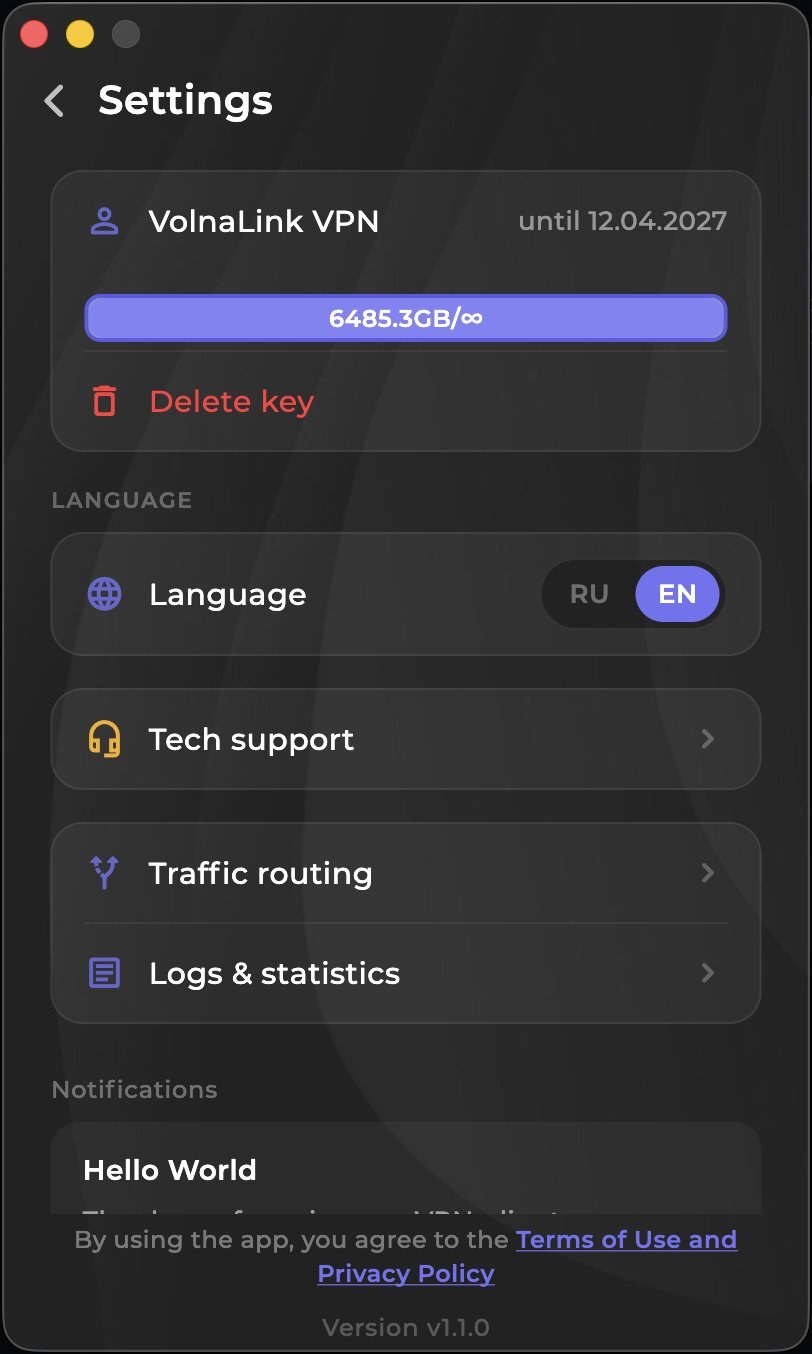
Settings: subscription, language, support
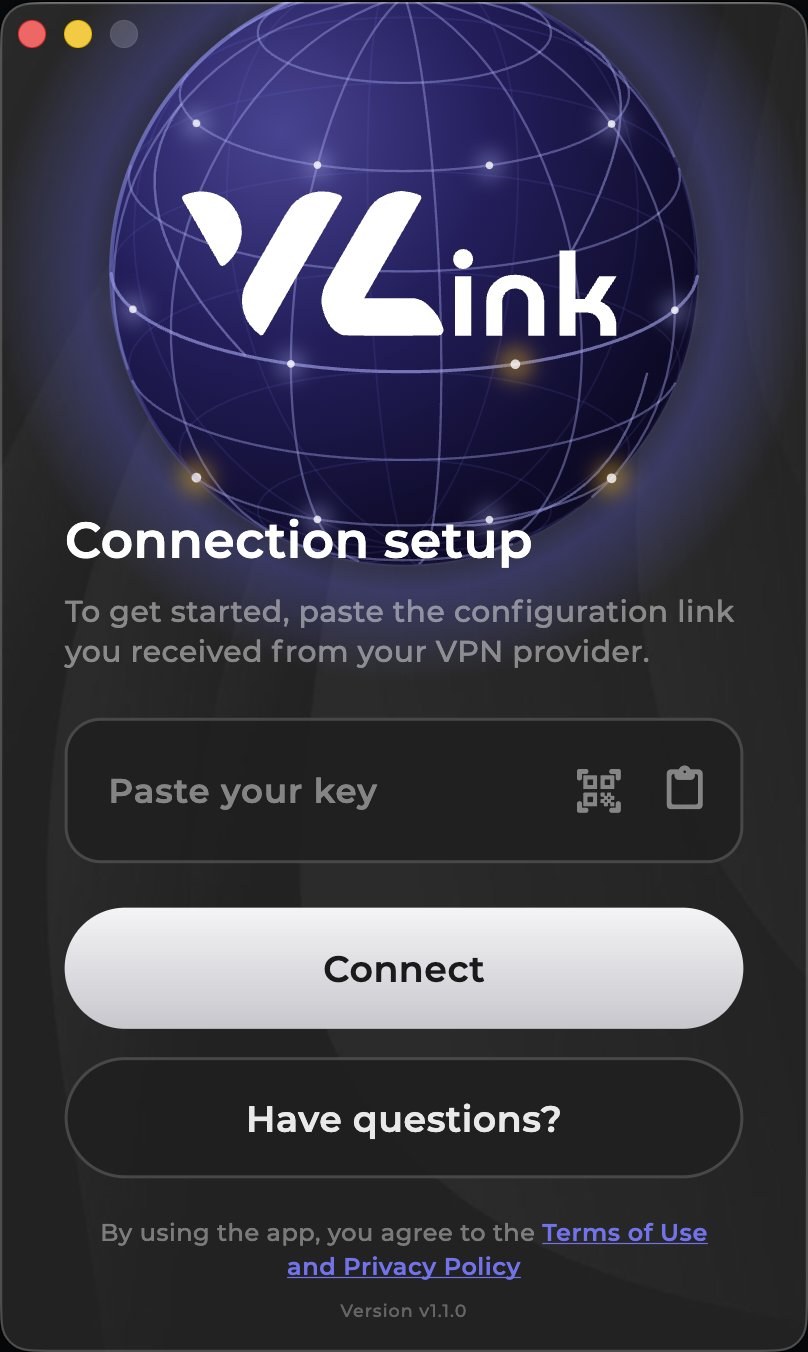
First run: paste your subscription key
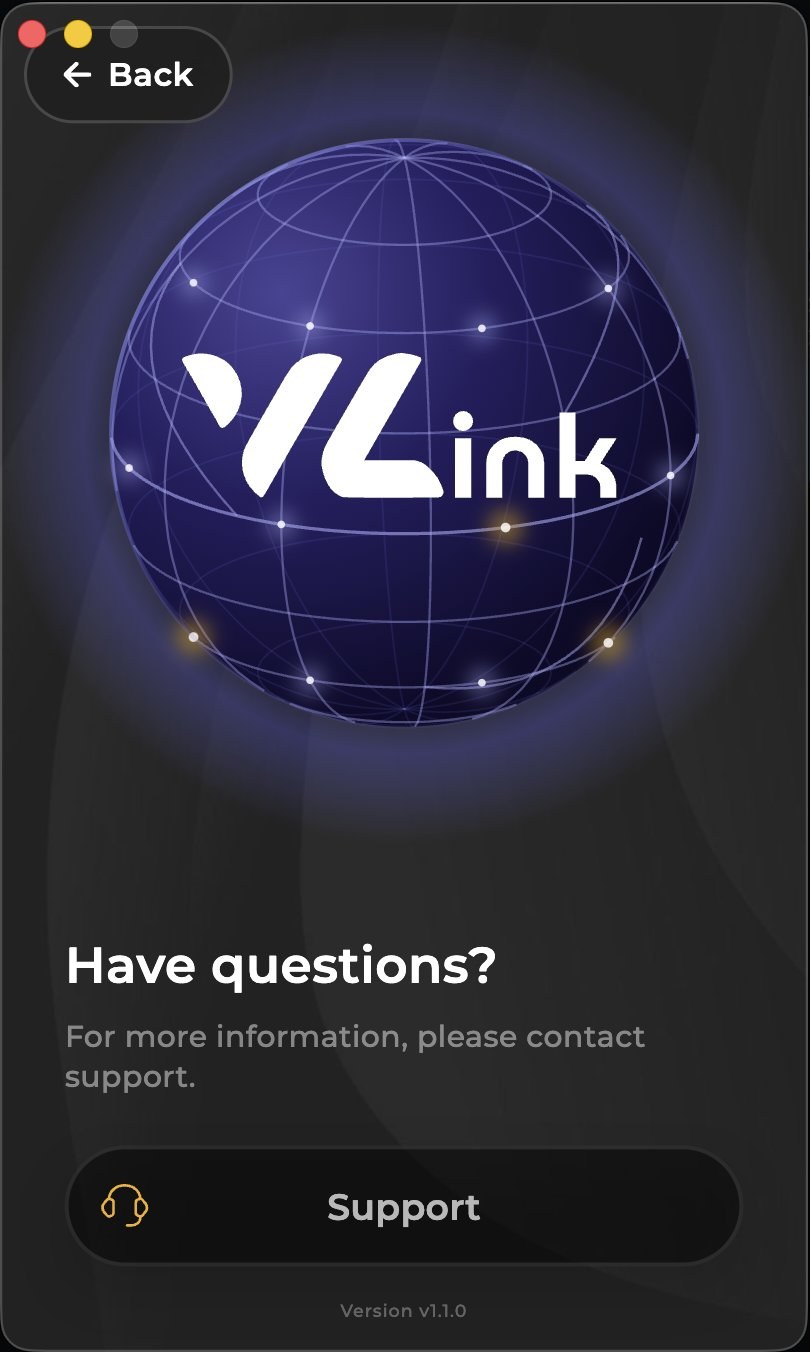
Contact support from inside the app
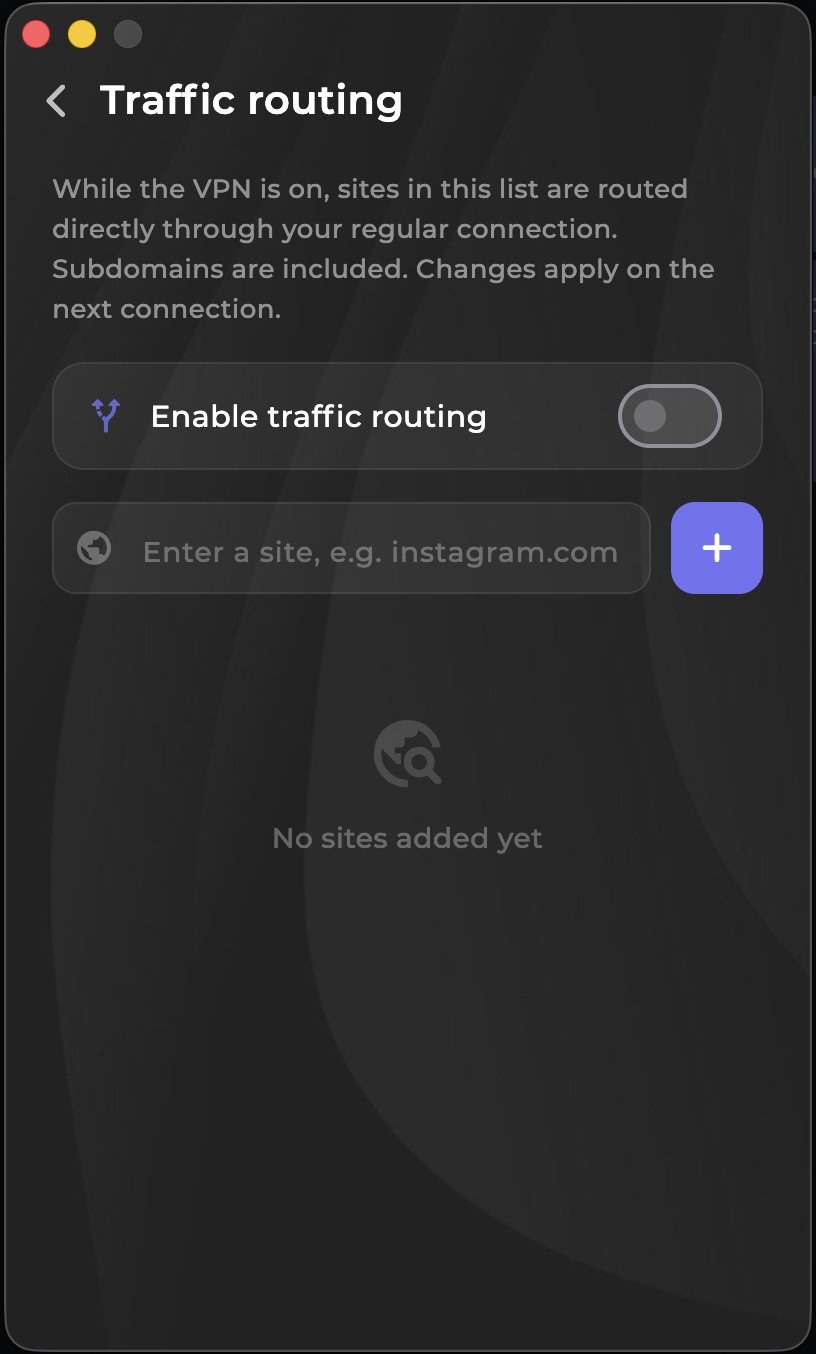
Routing: which sites bypass the connection
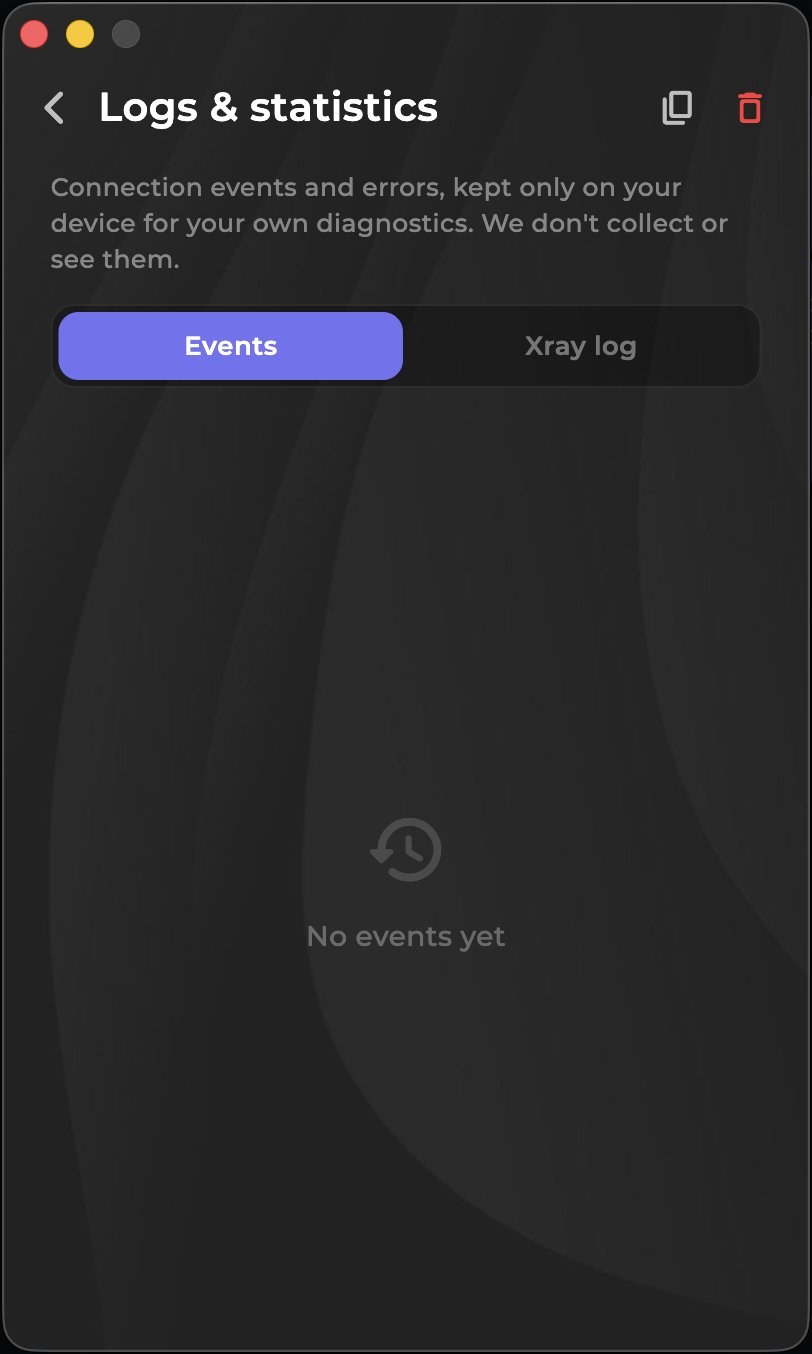
Logs and stats — kept on your device only

About the app

The VolnaLink app for macOS runs natively on Intel and Apple Silicon. Modern VLESS Reality, Trojan and Hysteria 2 protocols, DNS-leak protection, a kill-switch and stable speed for everything you do.

Specifications

Platform
macOS (Intel and Apple Silicon)
Protocols
VLESS Reality, Trojan, Hysteria 2
Price
free trial, then by subscription
Languages
RU, EN and more

How to get started

1

Register

Create an account in your personal cabinet — about 30 seconds.

2

Download

Install the VolnaLink app for your device.

3

Add a subscription

Pick a plan in your cabinet. The first 8 hours are free, no card required.

4

Use it

Open the app, choose a country and connect.

Download App Store

Frequently asked questions

Is the app free?+

The first 8 hours are free with no card required. After that the app works on a subscription that covers every country and platform.

Which protocols are supported?+

VLESS Reality, Trojan and Hysteria 2 — the app picks the best one for a fast, stable connection.

Can I use one account on several devices?+

Yes. One subscription works across all your devices and every platform.

How do I install the app?+

Register in your personal cabinet, download the app for your platform, add a subscription and connect. Four simple steps.

VolnaLink on other platforms